

Top 5 pons.com Alternatives for Video Production 2026
- Charlie Puritano
- May 20
- 13 min read

Choosing a video production service that balances creative storytelling, regional expertise, and transparent pricing is much harder than teams expect when sourcing professional content. Most vendors rely on custom quotes without publishing clear rates or offer feature sets so broad that smaller organizations struggle to scope their project before committing to discovery calls. This comparison lets you decide which video production service fits your budget, project goals, and regional needs without risking weeks on trial conversations.
Table of Contents
Puritano Media Group

Quick Snapshot
Puritano’s marketing materials advertise over two decades of experience serving the Washington D.C. metropolitan area while also taking on national projects. The firm specializes in branded content, corporate and nonprofit videos, government media, event coverage, social clips, music videos, and e-learning.
Core Capabilities
Branded content creation: Concept, script, shoot, and edit aimed at brand messaging and campaigns.
Corporate and nonprofit video production: Case-driven storytelling for stakeholders and donors.
Government media production and TV commercials: Work that follows public-sector norms and approvals.
Event coverage and social media content creation: Short-form clips for YouTube, TikTok, Instagram, and Facebook.
Primary Edge
Regional expertise combined with a broad service mix is the central advantage. Puritano pairs local knowledge of the DMV ecosystem with production capacity that spans documentary style, commercial work, and short social clips, which helps when projects must meet municipal rules and national distribution goals.
Strengths
Experienced team with diverse talents in production and editing. The roster handles camera, sound, and post without handing off core creative decisions.
Wide service variety tailored to sectors from corporate to government. That lets the same vendor manage a fundraising film and the short social cuts that follow.
Reputation for quality work within the region. Local procurement teams and communications directors will recognize the name during vendor review.
Story-focused approach to projects. Scripts and shotlists emphasize audience impact and message clarity rather than technical gimmicks.
Weakness
Pricing is not published and projects are custom-quoted, which makes budget planning harder for smaller teams that need an immediate ballpark figure before a discovery conversation.
Who Should Hire Them
Organizations, associations, nonprofits, and government agencies that need professional video content in the Washington D.C. metro area and beyond. Puritano fits teams that want a production partner familiar with public-sector processes and capable of scaling to national distribution.
Distinct Offer
You can use Puritano’s case studies and inquiry forms on the website to frame a scope and request a quote before a lengthy sales cycle. That makes it practical for communications directors who want to draft an RFP and attach examples of previous work before the kickoff.
Example Engagement
A nonprofit hired Puritano to produce a series of storytelling videos to increase awareness and engagement among stakeholders. Puritano managed interviews, field shoots, and edits, then delivered short clips suitable for social sharing alongside longer narrative pieces for donor outreach.
Costs and Fees
Rates are custom and not listed publicly. Expect quotes to vary by crew size, shoot days, and deliverables; use the website inquiry form and supplied case studies to outline scope before requesting a formal estimate.
Website: https://puritano.com
Strad Pro
At a Glance
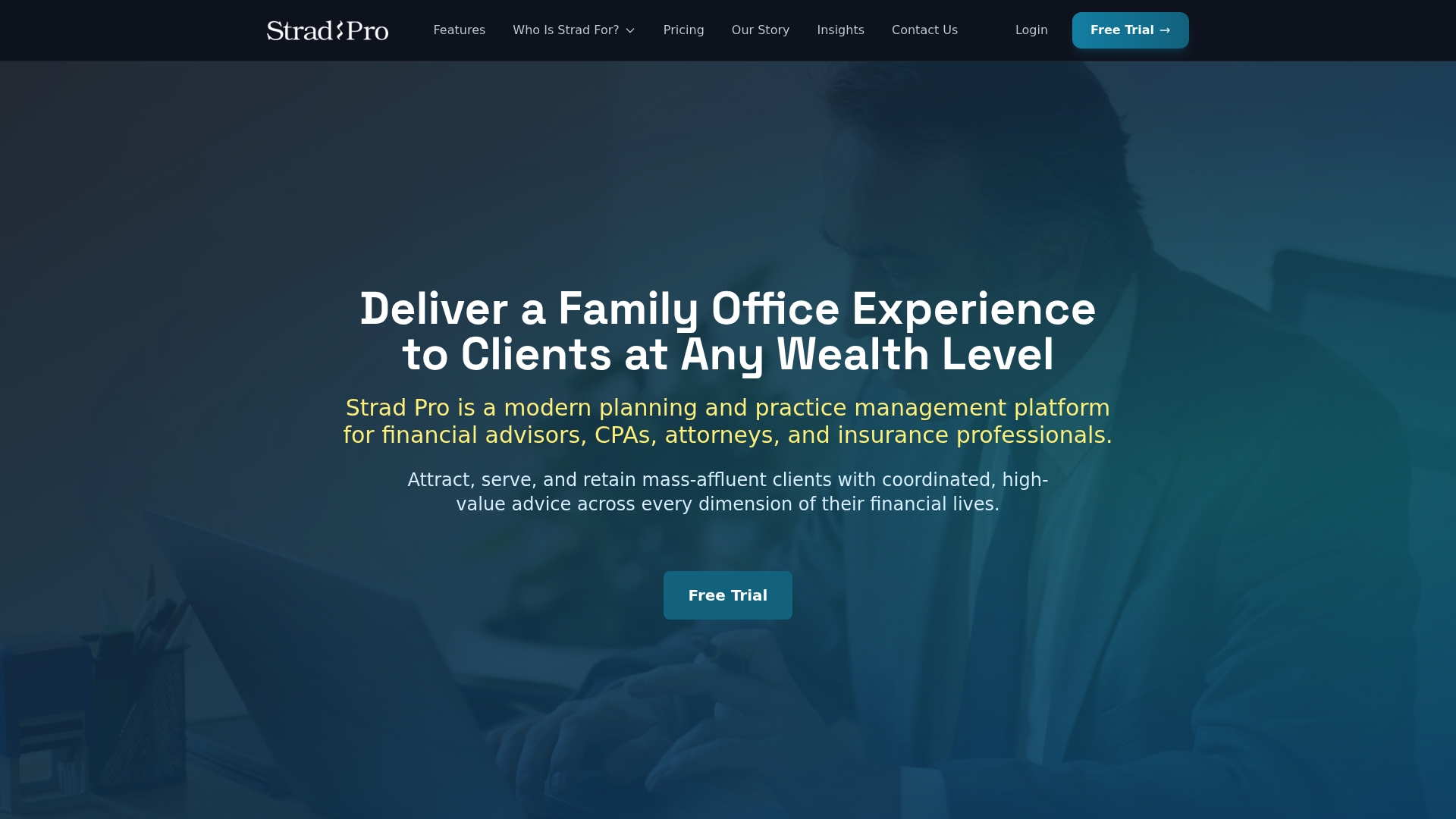
Starts at $250/month for the starter plan while offering enterprise customization and white label portals. It targets advisors, CPAs, attorneys, and insurance professionals seeking a family office coordination layer that unifies household assets, documents, and multi professional workflows into one client facing portal.
Core Features
Household-level visibility: view assets, entities, documents, and relationships grouped by household to cut duplication and speed reporting.
Collaboration tools for advisors, attorneys, and CPAs to assign responsibilities and share documents securely across a household.
AI-powered data parsing: automated summarization, anomaly detection, and parsed inputs that reduce manual reconciliation.
Client portal: branded, client facing access plus task management and workflow tracking for ongoing engagement.
Key Differentiator
Strad Pro seeks to operate as a cohesive coordination layer that brings existing custodians, CRMs, and planning tools into a single household model for advisors. That coordination focus is different from Puritano, which offers video production services rather than wealth coordination software.
Pros
Consolidates fragmented client records so advisors see a single household ledger instead of chasing disparate accounts and folders.
Supports multi professional collaboration so estate attorneys and tax advisors can work in the same workflow without email chains.
The client facing portal reduces friction during onboarding and keeps families informed about tasks and documents in one place.
AI features reduce data entry by extracting and summarizing key facts from documents, saving advisor time during reviews.
Flexible licensing covers solo advisors up to enterprise deployments, which helps firms scale without switching platforms mid growth.
Cons
Third party user reviews highlight inconsistency in product experience, noting quality control and finish can vary from marketing materials.
Some reviewers report difficulty validating specific feature behavior or output before onboarding, which makes vendor evaluation longer.
Public detail on exact integration partners is limited, so firms must budget time for validation during procurement.
When It May Not Fit
If you need a fully documented list of live integrations before purchasing, this product may frustrate your procurement process because public integration details are sparse. Also, teams that demand polished, uniform UI behavior out of the gate should plan for additional onboarding and testing.
Who It’s For
Advisors, CPAs, attorneys, and insurance professionals who want to deliver a family office style experience to mass affluent households without building custom tooling. Best for practices that coordinate multiple external professionals and want a client facing portal to centralize work.
Real World Use Case
A multi advisor firm uses Strad Pro to unify client records, share tasks with a retained estate attorney, and present a single dashboard to clients showing assets, upcoming filings, and who is responsible for each action. Onboarding shortens and collaboration goes digital.
Pricing
Plans start at $250 per month for the starter package. Growing practices can choose mid tier plans, and enterprise customers receive custom pricing and white label options to match firm branding and compliance requirements.
Website: https://strad.com
Mediatool
At a Glance
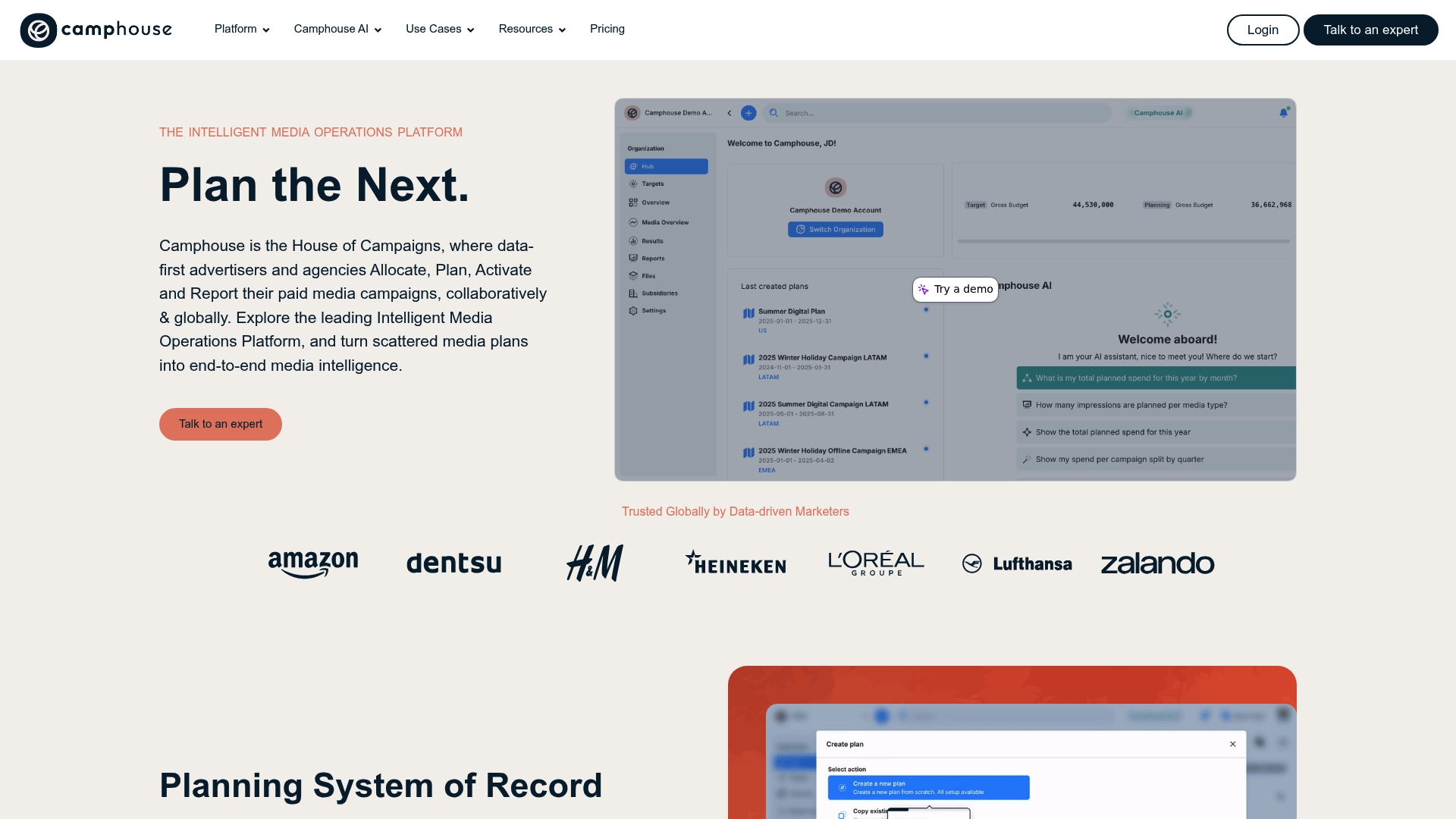
Camphouse AI and the Co-Pilot agent are embedded in the workflow to automate budget allocation and forecasting across markets. The platform ties planning, activation, and reporting to a single data model so campaigns stay consistent as they move from strategy to execution.
Core Features
End-to-end media planning platform that covers briefs, plans, and activation in one workspace.
Unified data model that aligns spend, flighting, and performance metrics across channels and regions.
Collaborative workflows for approvals, comments, and versioning between teams and external partners.
Budget allocation and management tools to assign budgets by market, currency, or campaign slice.
AI-supported features including Camphouse AI and Co-Pilot for forecasting and automated suggestions.
Key Differentiator
The product’s central claim is the integrated approach that combines planning, collaboration, AI-driven forecasting, and a single data model for campaign oversight. That architecture reduces manual reconciliation between spreadsheets and ad platforms and keeps stakeholders aligned on one source of truth.
Pros
Promotes transparency across teams which reduces duplicated work and clarifies who owns approvals and deliverables.
Built for multi-market campaigns so you can allocate budgets by country and compare performance without manual joins.
The interface is approachable for planners and stakeholders who do not live in spreadsheets every day.
AI forecasting helps anticipate pacing issues before they appear in platform reporting which saves reactive scrambling.
Supports remote collaboration across time zones so regional teams can hand off plans and updates cleanly.
Cons
The platform has a learning curve when you adopt advanced features and workflows which can slow early rollout for smaller teams.
Some user feedback lacks detailed critique which makes it hard to judge edge case behavior or long term support quality.
Similar names in the market create potential vendor confusion during procurement and vendor evaluation.
When It May Not Fit
If your team is a solo planner or a two-person shop that needs minimal tooling the platform’s scope and configuration overhead may be more than you need. Complexity can outweigh benefit for very simple campaigns.
If procurement requires detailed user reviews or case studies you might find limited public critique which lengthens evaluation time.
Who It’s For
Data-driven media teams, advertising agencies, and marketing managers running multi-market campaigns will find the collaboration and budget features useful. The platform targets teams that need single-source reporting across regions and the ability to model allocations before activation.
Real World Use Case
A multinational advertising agency uses the platform to plan, execute, and optimize campaigns across five regions. Regional planners model budgets in local currency, a central team reviews forecasts from Co-Pilot, and activation settings flow to execution without repeated spreadsheet exports.
Pricing
Not applicable — informational only. The product data lists pricing as not applicable which indicates that Mediatool does not publish standard list prices in the provided information and that you should contact the vendor for licensing details.
Website: https://mediatool.com
HiiBo

At a Glance
HiiBo’s paid plan starts at $5 per month for persistent memory and additional tokens. The vendor positions the app as a gentle, jargon-free entry point to AI aimed squarely at beginners who want guided help rather than a technical interface.
Core Features
HiiBo focuses on approachable interactions and repeatable workflows for new users.
Guided prompts with smart questions to help you shape requests without prior AI knowledge.
Reusability of prompts so common tasks run faster each time you repeat them.
Model switching and personalized settings let you experiment with different AI behaviors.
Persistent memory keeps conversation context across sessions for continuity.
A natural language interface avoids technical terms and menus.
Key Differentiator
Built specifically for beginners, HiiBo frames every action as a learning step rather than a configuration task. That narrow focus makes it less overwhelming than developer-grade assistants and more teachable than general chatbots, but it means advanced users will miss deeper controls.
Pros
Intuitive interface praised by users; most people can start using the assistant within minutes without tutorials.
Frequent platform updates indicate active development and a responsiveness to user feedback.
Free tier available for testing core features before committing to paid plans.
Features aimed at learning while you use the tool, which reduces the time it takes to become confident with prompts.
Supports customizing personalities and memory so interactions feel personalized over time.
Cons
Limited language support, primarily English, which reduces usefulness for non-English speakers.
Occasional bugs and glitches have been reported after some updates and can interrupt sessions.
Documentation gaps make it harder to access advanced behaviors or to troubleshoot less common workflows.
When It May Not Fit
If your workflow requires multi language support or enterprise reliability, HiiBo will feel narrow. Teams that need formal documentation, guaranteed uptime, or deep model controls will find the product missing key capabilities. Power users who prefer granular prompt engineering will want a different tool.
Who It’s For
Beginners and nontechnical users who want a friendly way to explore AI without learning technical terms. Solo creators, hobbyists, and office staff who need quick generative help and saved prompts will get the most value from HiiBo.
Real World Use Case
A nontechnical office manager uses HiiBo to draft routine emails, save and reuse templates, and test different model tones. Over a few weeks the manager builds a small library of prompts that cut routine drafting time in half and reduce back-and-forth editing.
Pricing
Freemium model with an optional paid plan starting at $5 per month for features such as persistent memory and more tokens. The free tier supports basic testing so you can evaluate guided prompts before upgrading.
Website: https://botoracle.com
Vabro
At a Glance
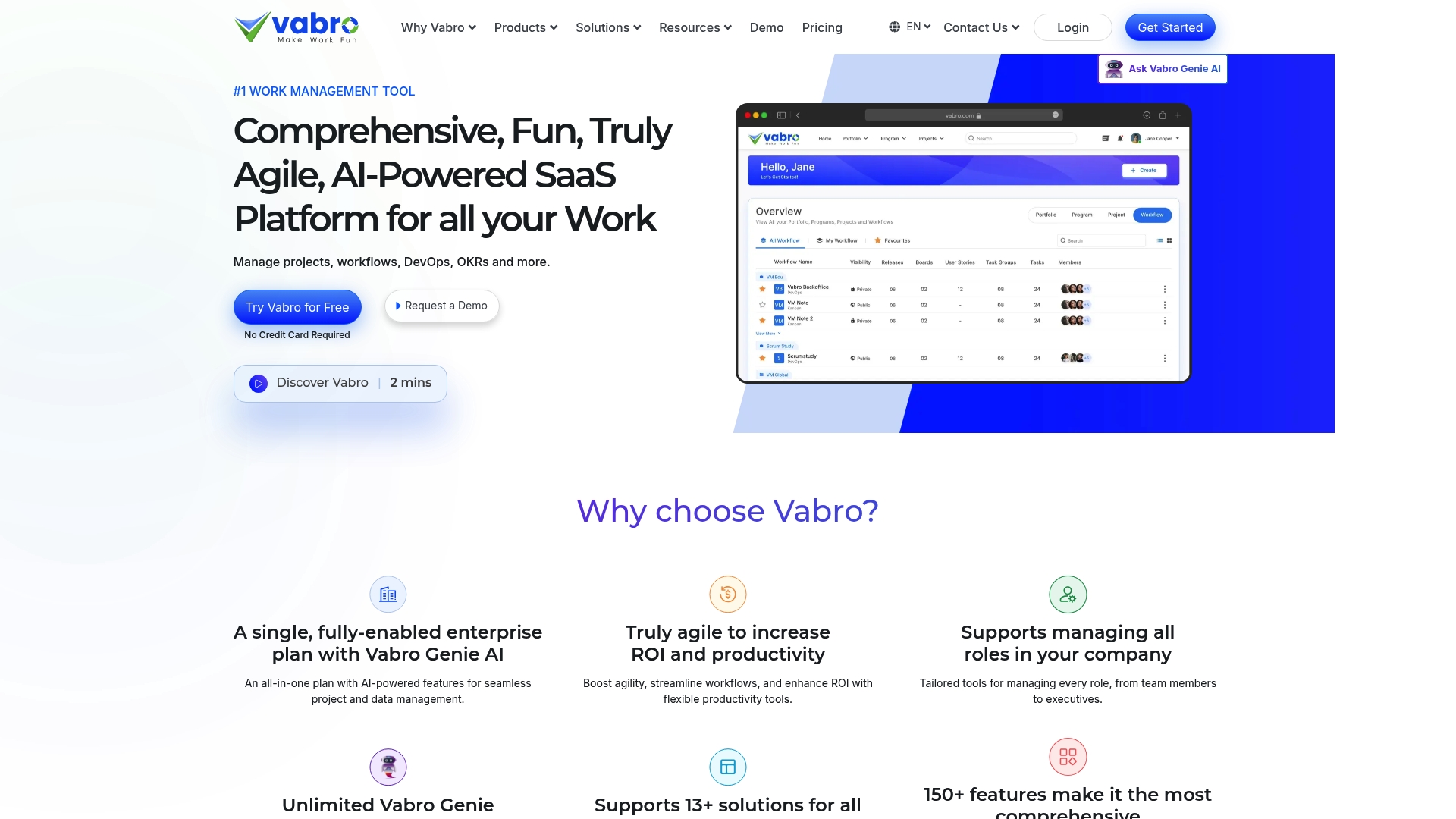
Vabro’s marketing materials claim more than 1,500 features and templates, an unusually large library that covers workflows from DevOps to OKRs. The vendor positions that catalog as a shortcut to standardizing processes across teams.
Core Features
Vabro bundles project and task management with timelines, dependencies, and reporting such as cycle time, throughput, and velocity charts. Vabro Genie AI appears throughout for automation and document generation.
The platform supports Scrum, Kanban, and DevOps workflows and includes real-time collaboration tools like chat, comments, and file sharing. A large template library helps teams avoid building basic workflows from scratch.
Key Differentiator
The product leans on AI-driven automation plus deep customization to adapt generic templates into organization-specific processes. That combination targets enterprises that want AI to handle routine work creation and project cloning while admins shape detailed role and workflow rules.
Pros
Highly customizable at scale. Administrators can map roles, task groups, and workflows to match departmental processes without buying separate tools.
Automation reduces repetitive work. Vabro Genie AI can generate documentation and clone projects to speed setup for recurring programs.
Large template library shortens ramp time for teams using Scrum, Kanban, or DevOps practices and helps unify approaches across locations.
Built-in analytics provide visibility with cycle time and velocity charts so you can measure flow and delivery performance.
Real-time collaboration features keep comments, files, and chat adjacent to tasks which cuts context switching.
Cons
The platform has a learning curve for new users. Feature density demands training and governance to avoid chaotic customization.
Some third-party integrations are not fully documented publicly which means IT teams may need vendor support during onboarding.
Pricing is not posted on the main site which requires prospects to request a quote or demo before evaluating total cost.
When It May Not Fit
Small teams that want a minimal, out-of-the-box tool will find Vabro overwhelming. If you need an off-the-shelf app with no configuration the level of customization here will slow you down.
Organizations that lack in-house integration support may struggle with connectors that, according to the vendor, require extra setup or professional services.
Notable Integrations
Jira for issue tracking and development workflows.
GitHub to link commits and pull requests to tasks.
Monday.com, Trello, Slack, and Notion for cross-platform collaboration and migration paths.
Who It’s For
Mid-sized to large enterprises seeking a single platform to manage projects, DevOps work, and company OKRs while applying automation across departments. Best suited to organizations with an admin or operations team that can design and maintain templates.
Real World Use Case
The vendor describes a multinational using Vabro to coordinate project planning, automate documentation, and track OKRs across global teams. According to that report, the company saw improved efficiency and better alignment between departments after rollout.
Pricing
Vabro does not publish standard pricing on its website. Prospects must request a demo or quote to get plan details and enterprise pricing that reflects customization and integration needs.
Website: https://vabro.com
Comparative Analysis
Organizations exploring video production services can choose from several distinct approaches to meet their needs. While Puritano Media Group excels in its specialization and regional expertise, competitors cater to different requirements depending on their capabilities and structure.
Scalability and Pricing Structures
Puritano Media Group operates primarily on custom-quoted projects, which allows flexibility in scope and deliverables but may require substantial budgeting preparation for smaller teams. In contrast, platforms like Strad Pro offer transparent, tiered pricing starting from $250 per month, which caters to organizations with predefined budgets seeking scalable engagements. This transparency can significantly simplify procurement processes for firms with strict financial controls.
Regional and Sector-Specific Insights
Puritano’s familiarity with public-sector norms and its well-regarded reputation within the Washington D.C. area stand out as unique assets for nonprofits and government agencies. Mediatool, on the other hand, focuses on multi-market, data-driven media planning with tools for budget allocation across regions. For teams running international campaigns requiring consistency across diverse markets, Mediatool provides tailored functionality, such as AI-supported budgeting and unified reporting, that Puritano’s service model does not address.
Best Fit Recommendations
Puritano Media Group supports nonprofits and public-sector agencies requiring video production aimed at local audiences and national reach, blending storytelling with sector-specific guidelines.
Strad Pro is better suited for financial advisors or firms seeking a client collaboration hub rather than production services, particularly when household-level management tools are essential.
Mediatool should be considered by advertising agencies managing multi-market campaigns where integration and collaborative media planning are critical.
Our Pick
Puritano Media Group remains the favored choice for organizations that prioritize impactful storytelling with a deep understanding of local regulations and nationwide goals. However, teams requiring software-based campaign planning or transparent pricing might find alternatives such as Mediatool or Strad Pro more aligned with their operational needs.
Video Production Services Comparison
Evaluate providers based on their core expertise and target audiences to determine the best fit for your project needs.
Provider | Primary Services | Key Differentiator | Best For | Pricing | Limitations |
Puritano | Branded, corporate, government videos social clips event coverage e-learning | Regional expertise with national capacity | Nonprofits and agencies needing DMV expertise | Not disclosed | Projects are custom-quoted making pre-budgeting difficult |
Strad Pro | Wealth coordination software client collaboration secure document sharing | Unifying household financial data | Advisors requiring client-facing portals | Starts at $250/month | Public integration details are sparse |
Mediatool | Media planning activation reporting AI budget forecasting | Single data model for media planning | Multi-market campaigns media teams | Not disclosed | Complexity may deter small-scale projects |
HiiBo | AI prompts reusable workflows guided interfaces paid plans | Beginner-friendly AI assistant | Nontechnical users needing generative help | Starts at $5/month | Limited language support primarily English |
Vabro | Project task management automation templates enterprise focus | Extensive library with AI-driven customization | Enterprises managing OKRs across teams | Not disclosed | Learning curve and requires integration support |
Choose Puritano for Video Production That Truly Connects
Finding a trusted video production partner can feel frustrating when options flood the market, especially when local expertise and storytelling quality matter. Puritano understands the challenges organizations face in creating meaningful visual content that resonates with audiences. With over two decades serving the Washington D.C. metro area and beyond, Puritano offers personalized, high-quality video services tailored for corporate, nonprofit, governmental, and social media needs.
Stop guessing which vendor will deliver on your message. Visit Puritano to explore how their storytelling-driven approach and scalable production resources can transform your next project. Request a quote today to get a clear scope and budget estimate before your kickoff so your vision is brought to life efficiently and professionally.
Frequently Asked Questions
How does Puritano’s branded content creation stand out compared to other providers?
Puritano’s branded content creation emphasizes concept development and storytelling, tailored specifically for brand messaging and campaigns. With over two decades of experience in the Washington D.C. metro area, they ensure that content resonates effectively with the intended audience. Organizations seeking impactful, story-focused branded content will find Puritano’s approach beneficial for their marketing efforts.
What is the main difference between Puritano and Strad Pro in handling video production services?
Strad Pro excels in providing a client-facing portal and collaboration tools for advisors and professionals, which supports complex workflows without the core focus on video production. In contrast, Puritano is tailored for organizations needing comprehensive video production services, including nonprofit and government-focused projects. If your core need is high-quality video content, Puritano would be the more suitable choice.
Which platform offers a more diverse range of video services: Puritano or Mediatool?
Puritano offers a wider variety of video production services, including corporate and nonprofit films, social media clips, and more, while Mediatool mainly focuses on media planning and activation without direct video production support. For organizations specifically seeking video content creation, Puritano is better suited to meet those needs.
Does Puritano provide pricing details upfront for its services?
Puritano does not publish pricing on its website, opting instead to custom-quote projects based on specific requirements and scope. While this may complicate initial budget planning, using their inquiry form can help clarify scope and expected costs before commencing a project.
Can I expect to receive case studies when considering Puritano for my project?
Yes, Puritano provides access to case studies on their website, allowing potential clients to frame their project scope and better understand the firm’s previous work before requesting a formal quote. This resource can help organizations draft more informed RFPs and set expectations for their video production needs.
Recommended

Comments