

Ship a Scenario Based Training Video in Weeks, Not Months for L&D
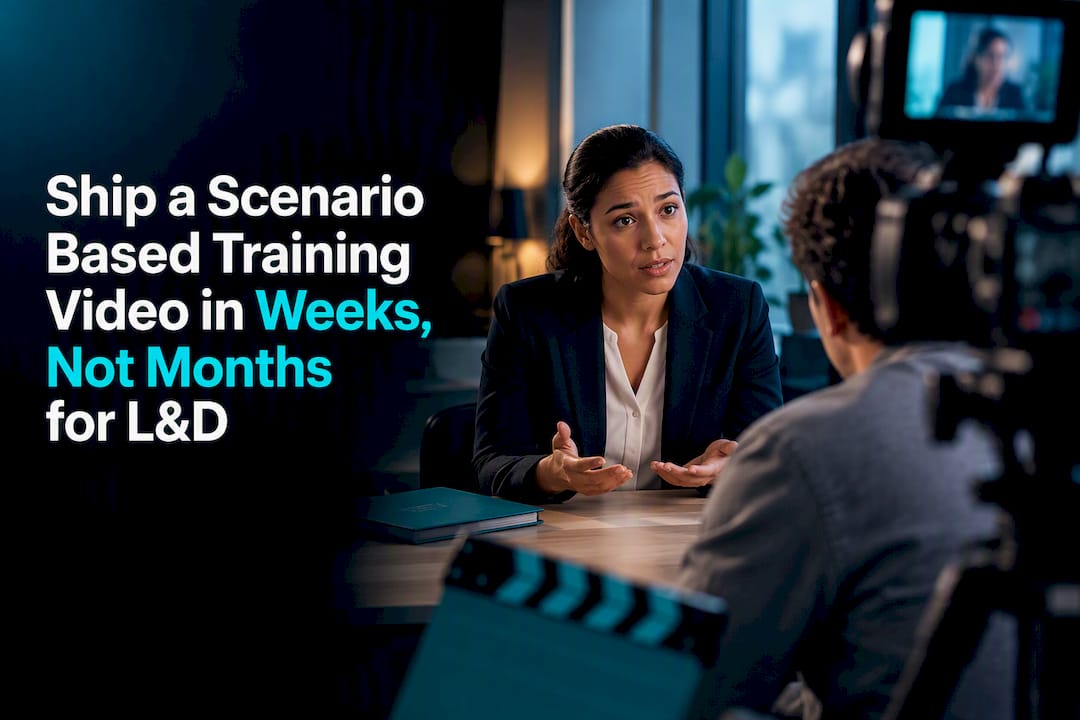
A scenario-based training video puts learners inside a realistic job decision instead of talking at them about one. They watch a moment unfold, choose how to respond, and see the consequence play out. Use this format when the stakes of a wrong decision on the job are real: compliance, customer service, safety, leadership. It builds decision-making confidence and skill transfer in ways a slide deck or straight lecture video rarely does, and it works best for L&D teams, educators, and compliance trainers facing exactly that kind of judgment call.
What Makes Scenario-Based Training Videos Work
The mechanism is simple: people learn decisions by making decisions, not by watching someone else describe how to make them. A scenario-based training video puts a learner at a fork in the road, forces a choice, and shows what happens next. That loop of choice and consequence is what separates active learning from passive viewing, and it’s the core reason instructional designers keep returning to this format for behavioral skills.
The learning mechanics rest on three things working together:
Active decision-making that forces the learner to commit to a choice rather than recognize a correct answer on a quiz
Contextualized scenarios that mirror the actual job moment, complete with the pressure, ambiguity, or emotional stakes of the real thing
Immediate, specific feedback tied to the choice made, not a generic “try again”
Research backs this up with real caveats attached. Scenario-based instruction has produced higher retention and self-efficacy scores than passive instruction across a range of studies, and a quasi-experimental classroom study found both posttest and delayed retention scores favored scenario-based methods over straight lecture. A controlled study in nursing education found scenario-based instruction improved competency measures compared with lecture-based teaching, though the same research notes the format is strongest for applied, behavioral skills and offers less lift for rote factual recall.
Statistic in context: the gains show up most reliably where a decision, not a fact, is what the learner needs to walk away with. If your training goal is “remember these five policy numbers,” a scenario video is overbuilt. If it’s “recognize when a customer is escalating and respond correctly,” it’s close to the ideal tool.
Choosing the Right Scenario Format
Not every training need calls for the same format, and picking the wrong one wastes budget either by overbuilding a simple message or underbuilding a complex one. The five formats you’ll run into most often each solve a different problem:
Branching scenarios present a decision point, then route the learner down a different video or text path depending on the choice. Best for multi-step judgment calls like a difficult conversation or a compliance investigation, where the “right” answer depends on what happened three steps earlier.
Microlearning scenarios compress a single decision into a short module, often standalone or part of a larger curriculum. Best for reinforcement and just-in-time refreshers.
Video scene scenarios film a realistic moment (a customer interaction, a safety incident) and pause for the learner to choose a response before continuing. Best when tone, body language, and pacing matter as much as the words.
VR scenarios immerse the learner physically in the moment. Best for high-stakes, hands-on skills like equipment operation or emergency response, where spatial awareness is part of the competency.
AI-powered conversational scenarios let learners talk to a responsive avatar rather than pick from fixed branches. Best for practicing open-ended conversations like sales objections or performance reviews.
Cost and development time scale roughly with fidelity. A microlearning scenario might take a week to script and shoot; a branching video with multiple filmed outcomes can take months and a real production budget. VR sits at the top of both cost and fidelity, while AI-assisted conversational tools can compress development time dramatically, at the cost of some directorial control.
On runtime: keep microlearning scenarios in the 2 to 5 minute range, and let branching modules run 5 to 20 minutes depending on how many decision points you build in. Engagement data on video training content shows a common drop-off around the 5 to 6 minute mark, which is exactly why microlearning formats favor short, repeatable modules over one long sit.
How to Design a Scenario-Based Training Video, Step by Step
Every strong scenario starts with a decision, not a script. Instructional-design guidance consistently points to a decision-first model: identify the one judgment call that matters most, then build everything else around it. Skip this step and you end up with a scenario that looks polished but teaches nothing specific.
Scope the decision, not the topic. Instead of “train on customer service,” define the exact observable behavior: “the rep correctly identifies when to escalate a billing dispute within the first 90 seconds of the call.” A vague objective produces a vague scenario. A specific, observable behavior gives your writers and SMEs something to build branches around.
Map the audience, context, and decision points. Sketch the persona (new hire, tenured manager, frontline associate) and the actual job moment where this decision happens. What’s the environment? What pressure are they under? What information do they have and not have? This step also surfaces how many decision points the scenario actually needs. Most effective scenarios have two to four meaningful choices, not ten.
Draft branch logic and scripts with feedback built into every choice. Write the “wrong” paths with the same care as the “right” one. Weak scenarios treat incorrect choices as dead ends with a buzzer sound; strong ones show a believable, specific consequence and explain why it happened. This is also where a design framework built around a single critical decision pays off: narrower scope produces cleaner branch logic and faster development than trying to model an entire job function at once.
Storyboard, produce a pilot, and test before you scale. Build a rough cut or even a script-only walkthrough and put it in front of subject-matter experts first, then a handful of target learners. Watch where they hesitate, where they guess, and where the feedback confuses rather than clarifies. Revise before committing to full production.
Pro Tip: Run your pilot scenario past someone who has never worked in your industry. If they can follow the stakes and understand the feedback without translation, your target learners will too.
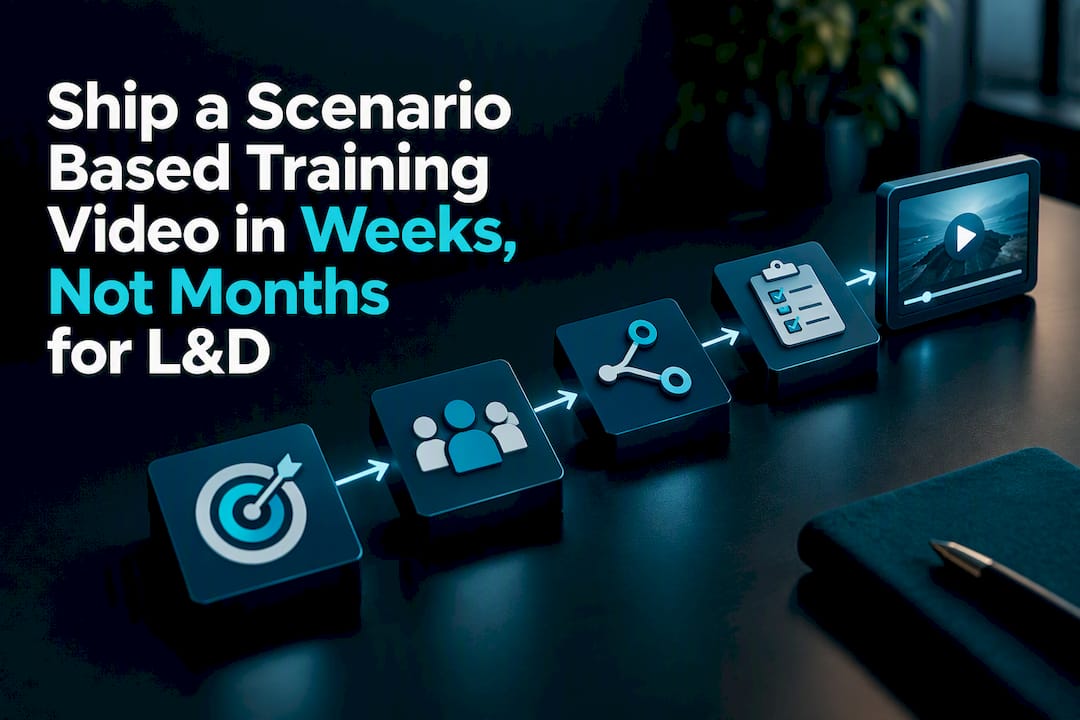
This process holds whether you’re building a five-minute micro-scenario or a twenty-minute branching module with a film crew. The scope tightens or expands, but the sequence of objective, audience mapping, branch logic, and pilot testing stays the same. For teams building their first module, a shorter internal guide on production paths for e-learning video can help translate this workflow into an actual shot list and budget conversation.
Production Routes: In-House, Agency, or AI-Assisted
Once the scenario is scripted, you have three realistic paths to get it filmed and built, and each trades off differently on quality, speed, and control.
In-house or DIY production works when you have a competent videographer, editing software, and a branching authoring tool already on staff. It’s the cheapest route up front and gives you total control over schedule, but quality and realism often suffer without trained talent in front of the camera, and complex branching logic can quickly outgrow a small team’s tooling.
A full-service production agency brings casting, wardrobe, lighting, directing, and branching-platform experience under one roof. This route costs more but produces the realism and polish that make a scenario feel like an actual workplace moment instead of a corporate reenactment, which matters when the goal is emotional engagement, not just information transfer.
AI-assisted production can generate draft scripts, synthetic avatars, and rough video cuts fast. AI tools accelerate prototyping, but the same guidance is clear that a human subject-matter expert still needs to verify accuracy and realism before anything ships. Treat AI drafts as a fast first pass, not a finished product.
On the technical side, decide early whether your branching content lives inside your LMS or on a standalone web platform, since that choice affects what analytics you can pull later. Most branching engines export in SCORM or xAPI, and xAPI generally gives richer decision-path tracking. Captions and transcripts aren’t optional add-ons. They’re required for accessibility compliance and they also make your video usable in sound-off environments, which covers a surprising share of real-world viewing.
Casting and visual style matter more than most teams budget for; consider these visual storytelling tips to boost your training video’s impact. A scenario acted by two visibly uncomfortable coworkers reading from cue cards undermines the realism the whole format depends on. Keep individual scenes tight, generally under six minutes, and match the visual setting (office, warehouse, retail floor) to the actual environment your learners work in.
Measuring Impact and Connecting to Your LMS
Two layers of metrics matter here, and confusing them is a common reporting mistake. The first layer is snapshot data: completion rates, how learners distribute across different paths, and which choices get picked most often. This tells you where the scenario is working and where learners are guessing or getting stuck.
The second layer is impact data, the numbers that actually move a stakeholder conversation: QA scores, escalation rates, and time to proficiency for new hires. A scenario that shows strong completion but no movement on escalation rates six weeks later hasn’t proven its value yet.
Track completion and drop-off points to catch scenarios that are too long or too confusing
Track path distribution and choice frequency to see which decisions learners struggle with most
Track QA scores, escalation rates, or time-to-proficiency changes to prove business impact
Use xAPI to capture decision-path data at a level of detail SCORM typically can’t match
Statistic in context: vendor guidance consistently recommends pairing snapshot metrics with business KPIs rather than reporting either alone, because completion rate by itself tells a stakeholder nothing about whether behavior actually changed on the floor. Pilot first, measure both layers, then scale the format to the next department once the numbers hold up.
What Production Experience Teaches You About Realism
After years building training content for organizations, the objective-first approach isn’t just a nice instructional-design principle. It’s what keeps a scenario shoot on schedule. Locking the specific decision and behavior before a single script page gets written saves weeks of revision later, and it’s the first question our team asks any client walking in with a training request.
Coordinating subject-matter experts early matters just as much as good casting. SMEs catch the small procedural inaccuracies that break credibility for learners who actually do the job, and pilot testing with real target learners before final delivery catches the confusing feedback loops SMEs sometimes miss because they already know the “right” answer.
On realism itself: casting people who look and sound like the actual workforce, thoughtful wardrobe choices, and a director who understands workplace tension all do more for learner empathy than any amount of production polish. Building in caption tracks and a clear revision schedule from day one also keeps content accessible and audit-ready as policies change.
When to Bring in a Full-Service Production Partner
Some scenarios are genuinely fine to build with an in-house team and a decent camera. Complex branching with multiple filmed outcomes, high-fidelity sets that need to convincingly mimic a real workplace, or government and compliance projects with accessibility and audit requirements are a different animal. That’s where a full-service partner earns its cost.
Puritano Media Group differentiates itself with cinematic production quality, storytelling built around your organization’s actual brand identity, full accessibility compliance for government and regulated projects, integrated wardrobe and creative services, and direct experience producing learning modules and training videos for clients across the DMV area and nationally.
A typical engagement runs through four stages: scoping the objective and audience with your team, pre-production (scripting, storyboarding, casting), a pilot build you test with real learners before committing to full production, and a delivery and iteration phase once the pilot proves out. That sequence mirrors the design process outlined earlier in this guide, just with a production crew handling the parts that require lighting, wardrobe, and directing experience your internal team likely doesn’t have on staff.
If your organization is weighing whether to build this internally or bring in outside production help, the video production services page is the right place to start a scoping conversation and see what a pilot-first engagement would look like for your training need.
Sources
FAQ
What Is a Scenario-Based Training Video?
A scenario-based training video is a video format that puts a learner inside a realistic job situation and asks them to make a decision, then shows the consequence. It differs from a standard training video by requiring active choice rather than passive viewing, which is what drives the engagement and retention gains associated with the format.
How Long Should a Branching Training Video Be?
Microlearning scenarios work best between 2 and 5 minutes, while full branching modules typically run 5 to 20 minutes depending on how many decision points they include. Engagement tends to drop sharply after the 5 to 6 minute mark, which is why longer topics get split into shorter modules rather than one continuous scenario.
Can AI Tools Fully Produce a Scenario-Based Training Video?
AI tools can speed up scripting, generate rough avatars, and produce fast prototypes, but human subject-matter expert review remains necessary to confirm realism and accuracy before the content goes live. Treat AI output as an accelerated first draft rather than a finished, ready-to-deploy scenario.
Does Scenario-Based Training Actually Improve Retention?
Yes, in most controlled comparisons. A quasi-experimental classroom study found higher posttest and delayed retention scores for scenario-based instruction versus lecture, and research in nursing education found similar gains for applied competencies. The effect is strongest for behavioral and applied skills, weaker for simple factual recall.
Does Puritano Produce Scenario-Based Training Videos?
Yes. Puritano Media Group produces learning modules and training videos, including scenario-based formats, for organizations across the DMV area and nationally, with pricing scoped per project rather than published as a flat rate.
Recommended
Comments